

How to Track Workouts: What to Log and How to Read It
How to track workouts so they add up: log exercise, weight, reps and RIR after every set, then review weekly. What to track, what to skip, and how to read it.
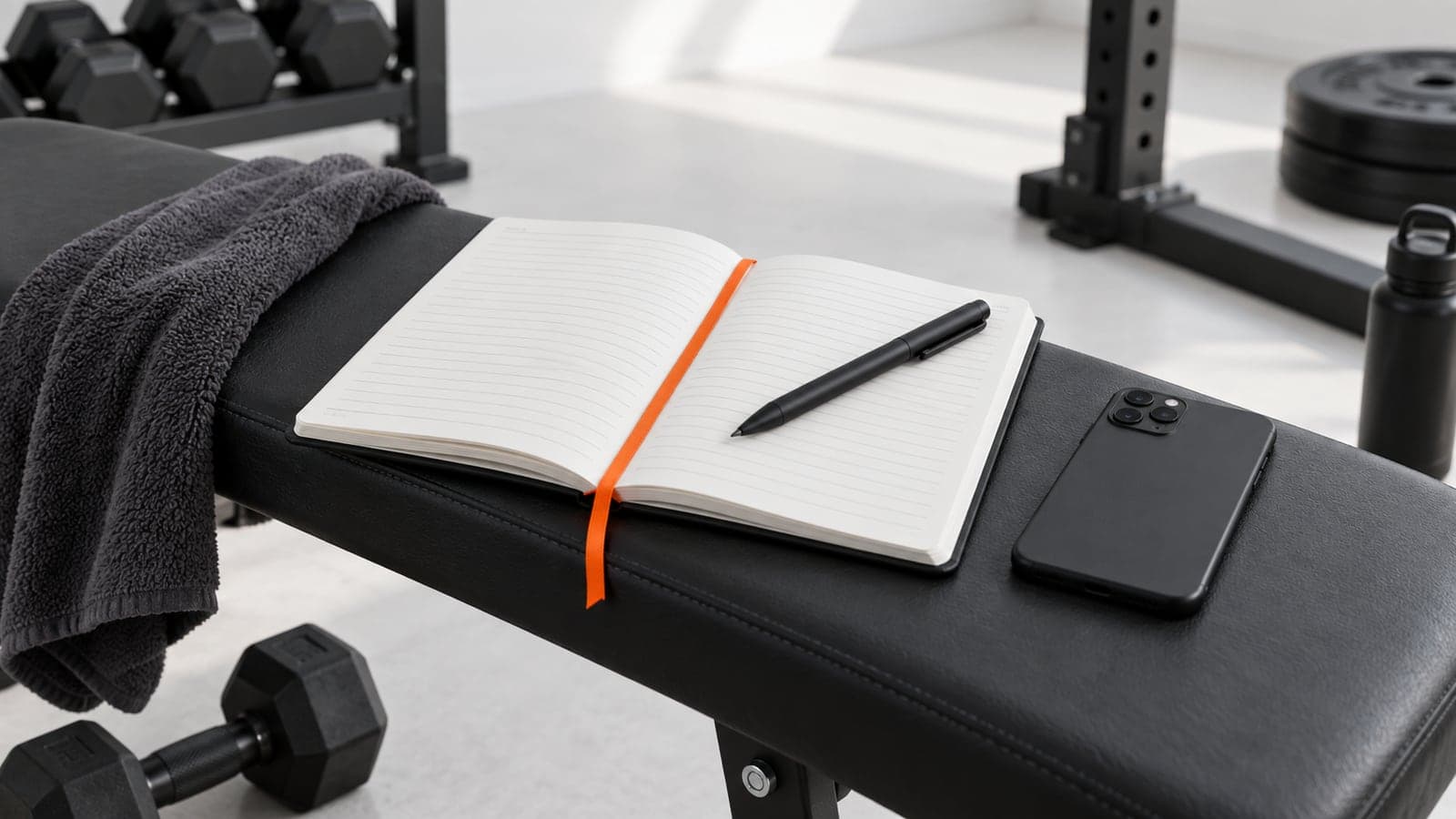
To track workouts, log four things for every working set: the exercise, the weight, the reps, and how many reps you had left. Write it down right after the set, not at the end of the session. Then review the log once a week and compare each lift to the previous session. That's the whole system.
Why writing it down works
This isn't a lifting-specific idea. Harkin and colleagues (2016) pooled 138 experiments with almost 20,000 people on whether monitoring progress toward a goal helps you reach it. It did, with a medium effect (d = 0.40), and the effect was larger when the record was physically written down rather than kept in your head. Lifting is the clearest case of this I know. Nobody remembers what they did for the third set of rows three weeks ago. A log does.
There's a second reason that's specific to training. Progress in the gym is slow and noisy. Five kilos on your squat over eight weeks is good progress, and you will not feel it happen. Without a log, week 8 feels the same as week 1 and people quit programs that were working. With a log, you can see it.
What to track and what to ignore
Track this, every set:
- Exercise, named the same way every time. "DB incline press" today and "incline dumbbell press" next week are two different lines in a spreadsheet and you'll never compare them.
- Weight. Total load. For dumbbells, the weight of one dumbbell, consistently. For machines, the number on the stack, and note the machine if the gym has two.
- Reps. Full reps only. If reps 11 and 12 were half reps, you did 10.
- Reps in reserve. How many more you could have done. 0 to 4 is the useful range. This is the one most people skip, and it's the one that explains why 80 kg x 8 was easy in March and brutal in April. Your first estimates will be off. Steele and colleagues (2017) found most lifters underpredict how many reps they have left by 2 to 3, and accuracy improved with experience. Logging it is how the estimate gets better.
Track this, once per session:
- Date, bodyweight if you weigh in, and anything that changes the reading of the numbers: slept 4 hours, new gym, hurt my wrist, felt strong.
Ignore:
- Warm-up sets. They're not data. Log the working sets only.
- Rest times to the second. Set a rule (3 minutes on compounds, 90 seconds on isolation) and stick to it. Only log rest if you changed the rule.
- Tempo. Unless you're deliberately running slow eccentrics, "controlled" is the tempo and it doesn't need writing down.
- Mood, motivation, pump. These make you feel like you're tracking. They don't change any decision.
- Calories burned. Meaningless for lifting, and the number your watch gives you is a guess.
If it doesn't change what you'll do next session, it doesn't go in the log.
Notebook vs spreadsheet vs app
I've used all three for years at a time. Each has a real case.
| Notebook | Spreadsheet | App | |
|---|---|---|---|
| Speed mid-set | Fastest. Pen, done. | Slow on a phone, fine if you type it up later | Fast once set up, a tap or two per set |
| Previous session visible | Flip back a page | Yes, if you build the sheet that way | Shown on the set, automatically |
| Best set visible | No, you have to hunt | Yes, with a formula | Yes, automatically |
| Weekly volume | Manual maths | Yes, with formulas | Automatic |
| Estimated 1RM | Manual | Formula per row | Automatic per set |
| Search history for one lift | Bad | Good | Good |
| Failure mode | Lose the book, lose everything | Stop maintaining it | Stop paying, or the app changes |
| Cost | A few pounds | Free | Free tier to a monthly subscription |
The notebook wins on friction. The app wins on reading the data back, which is the part that produces gains. The spreadsheet wins if you like building spreadsheets and will keep it up.
If you're choosing an app, I compared the main ones in best workout tracker apps, and there's a head to head in Ultra vs Hevy. The features that matter for the method in this article are: previous set visible while you type, best set visible, and a session total you can compare to last time. Most apps have the first. Fewer have the other two without paying.
How to read your log
Logging is the easy half. Reading is where the gains come from. Five things to look at.
Previous set. Before every set, look at what you did last time for that exercise and set number. Your only job is to match it or beat it by one rep or 2.5 kg. This is the single comparison that drives progressive overload, and it's why the log has to be visible during the session, not after.
Best set. Your all-time best for that lift, scored so a heavy set of 5 and a lighter set of 12 can be compared. That's what an estimated 1RM does. If you haven't set a new best on a lift in 6 to 8 weeks, that lift has stalled and needs a change: a deload, a different rep range, or a different exercise.
Weekly volume per muscle. Count working sets per muscle per week. If it's under 10, add some. If it's over 20 and you're not recovering, cut. Schoenfeld, Ogborn and Krieger (2017) found each extra weekly set added about 0.37% more growth, with 10+ sets per muscle doing best, so this is the number that tells you if you're doing enough. The full guide is in how many sets per week per muscle.
Estimated 1RM. The Epley formula: weight x (1 + reps / 30). 80 kg for 8 reps gives 80 x 1.267, about 101 kg. 85 kg for 5 gives 85 x 1.167, about 99 kg. So the set of 8 at 80 was the stronger set, even though 85 was heavier. Track it per lift and you'll see strength moving even in weeks where the weight on the bar didn't. The one rep max calculator does the sum for you.
RIR trend. The one people miss. Same weight, same reps, but RIR went from 3 to 1 over three weeks. You're getting more fatigued, not stronger. That's an early sign a deload is due, and you can only see it if you logged RIR.
A worked 4-week example
Bench press, 4 sets, 6 to 8 rep range, one lifter, four Mondays. RIR in brackets.
| Week | Weight | Set 1 | Set 2 | Set 3 | Set 4 | Est. 1RM (best set) | Session volume |
|---|---|---|---|---|---|---|---|
| 1 | 80 kg | 8 (2) | 7 (1) | 7 (1) | 6 (0) | 101 kg | 2,240 kg |
| 2 | 80 kg | 8 (2) | 8 (1) | 7 (1) | 7 (0) | 101 kg | 2,400 kg |
| 3 | 80 kg | 8 (2) | 8 (2) | 8 (1) | 8 (0) | 101 kg | 2,560 kg |
| 4 | 82.5 kg | 7 (1) | 7 (1) | 6 (0) | 6 (0) | 102 kg | 2,145 kg |
What it tells you:
- Weeks 1 to 3: Weight held, reps climbed from 28 to 32 total, volume went up 14%. That's progress even though the bar never changed. Without the log, weeks 1 to 3 feel identical.
- Week 3: All four sets hit the top of the range. Double progression says add weight next week. The log made that decision, not how you felt.
- Week 4: Weight up, reps down, volume down 16%. Normal. Estimated 1RM went up 1 kg because 82.5 x 7 scores higher than 80 x 8. The lift is stronger. The volume drop is expected after a weight increase and will rebuild over the next 2 to 3 weeks.
- What to watch next: If by week 7 the sets are still 7, 7, 6, 6 at 82.5 kg and RIR has crept to 0 on every set, the lift has stalled. Deload, then rebuild from 80 kg with a target of 4 x 8.
This is the whole method. Read the progressive overload guide for what to do at each of those decision points.
Mistakes
- Tracking too much. Tempo, rest, mood, 1RM percentages, RPE to the half point on warm-ups. It takes 40 seconds a set, you get sick of it, and you stop logging at all. Four fields per set.
- Logging warm-ups as working sets. Now your volume numbers are inflated by 30% and your best set is a warm-up single you didn't mean to count.
- Logging at the end of the session. By set 18 you don't remember set 3. Write it while you're resting.
- Never reviewing. A log nobody reads is a diary. Once a week, ten minutes: which lifts set a best, which stalled, how many sets per muscle, where RIR is drifting.
- Inconsistent exercise names. Pick one name per exercise and never change it. If the app has a catalog, use its names.
- Switching tools every few months. The notebook from 2024 and the app from 2025 don't talk to each other. Pick one and stay.
- Counting reps you didn't do. A grinder that stalled halfway isn't a rep. Neither is a bounced deadlift. Honest reps or the whole log is noise.
How to track workouts in Ultra+
Everything in this article is what the Ultra+ workout screen does by default. On every set, you see the previous set for that exercise (weight and reps) and your all-time best set, scored with the Epley formula, right on the input. The best set is even the placeholder for an empty set, so the number to beat is there before you type. There's no page to flip to and no formula to maintain.
After the session, the summary shows total volume as a big number and the change against the last time you ran that same template, so "did today beat last Monday" is answered before you leave the gym. Each week, the weekly card reviews the week you trained, built from your real sessions, and it says so when a week was thin.
If you want the log read for you, ask Blaze. He pulls your recent workouts and exercise history and answers straight from them: which lifts stalled, where the sets per muscle sit, whether the last three weeks show reps falling at the same weight. He doesn't invent numbers and he doesn't change your plan unless you ask him to.
Start your free trial and your previous set is on the screen from the first workout.
Frequently asked questions
- What should I track in a workout log?
- For every working set: the exercise, the weight, the reps, and how many reps you had in reserve. Per session: the date and anything unusual, like short sleep or a niggle. Skip warm-ups, tempo, rest times and mood. If it doesn't change what you'll do next session, don't log it.
- Is it better to track workouts on paper or in an app?
- Paper is faster to write in and worse to read back. An app shows your previous set and best set while you train and does the volume and 1RM maths for you, which is where the gains come from. If you'll keep it up, either works. Most lifters who stop logging were using paper.
- How do I know if I'm making progress from my workout log?
- Look at three things per lift: did you beat the previous session by a rep or 2.5 kg, has your estimated 1RM set a new best in the last 6 to 8 weeks, and is your reps-in-reserve rising or falling at the same weight. Rising RIR is progress. Falling RIR at the same numbers is fatigue.
- Should I track warm-up sets?
- No. Warm-ups aren't training data, and logging them inflates your volume numbers and can register a fake best set. Log working sets only. If you want to remember your warm-up scheme, write it once as a rule, such as 50% for 8, 70% for 5, 85% for 2, and stop.
- How often should I review my workout log?
- Once a week, for about ten minutes. Check which lifts set a new best, which have stalled for 6 weeks or more, how many working sets each muscle got, and whether reps in reserve is drifting toward zero. Then decide one change for next week. Reviewing every session is too often to see a trend.
References
Every study below was opened and read before it was cited.
- Does monitoring goal progress promote goal attainment? A meta-analysis of the experimental evidenceHarkin B, Psychol Bull, 2016
- Dose-response relationship between weekly resistance training volume and increases in muscle mass: A systematic review and meta-analysisSchoenfeld BJ, J Sports Sci, 2017
- Ability to predict repetitions to momentary failure is not perfectly accurate, though improves with resistance training experienceSteele J, PeerJ, 2017
Related
Written by Sebastian, founder, ultra+. Sebastian founded Ultra+ and lifts. He writes every article on this site and checks each cited study himself.